Fast web chat, media, calls, and settings.
Yuragram Messenger
YuraNetwork
A sharper messenger for communities that want speed, clean chats, anonymous accounts, and fewer annoying compromises.
▶
Get it on
Google Play
Download on the
App Store
Anonymous signup
No ad tracking
Web + Android
RealtimeWebSocket chats
Media readyGIFs, stickers, video notes
2FA levelsTrusted-device security
Yuragram
Kode
New build is live?
Yep. Web and Android are both moving.
▶
video note
CAT
Calls look clean now.
Message➤
Calls
Y
Voice call
Stable, clean, contact-first calling.
Built like an actual app
Messenger features that are already useful
Modern chats
Replies, reactions, read receipts, pinned content, and smooth media sharing.
Animated profiles
Profile pictures, GIFs, stickers, and video-style avatars render consistently across the app.
Voice-first calling
Contacts use clean voice calls by default, with call UI tuned for real use instead of demo fluff.
Anonymous accounts
Username and password only. No forced phone number, no forced email recovery.
Trusted-device security
2FA levels, service codes, recovery phrase fallback, and active session controls.
Fast web app
Open YuraNetwork in the browser with live updates and the same chat direction as Android.
No phone lock-inAccounts stay username-based.
No ad feedThe app is for messaging, not farming attention.
Real beta buildsWeb and APK are shipped from the live stack.
Community-readyChannels, media, calls, and profiles.
Web app
Open it directly in the browser
Use Yuragram without installing the mobile app. The web version is the fastest way to test the current product.
Architecture roadmap
Planned infrastructure (RU performance + DE data custody)
This diagram shows the target end‑state: RU users hit RU edge servers + RU media/calls, while the PostgreSQL database (user data) stays physically in Germany. Calls run on dedicated RU media servers so bandwidth spikes can’t take down chat.
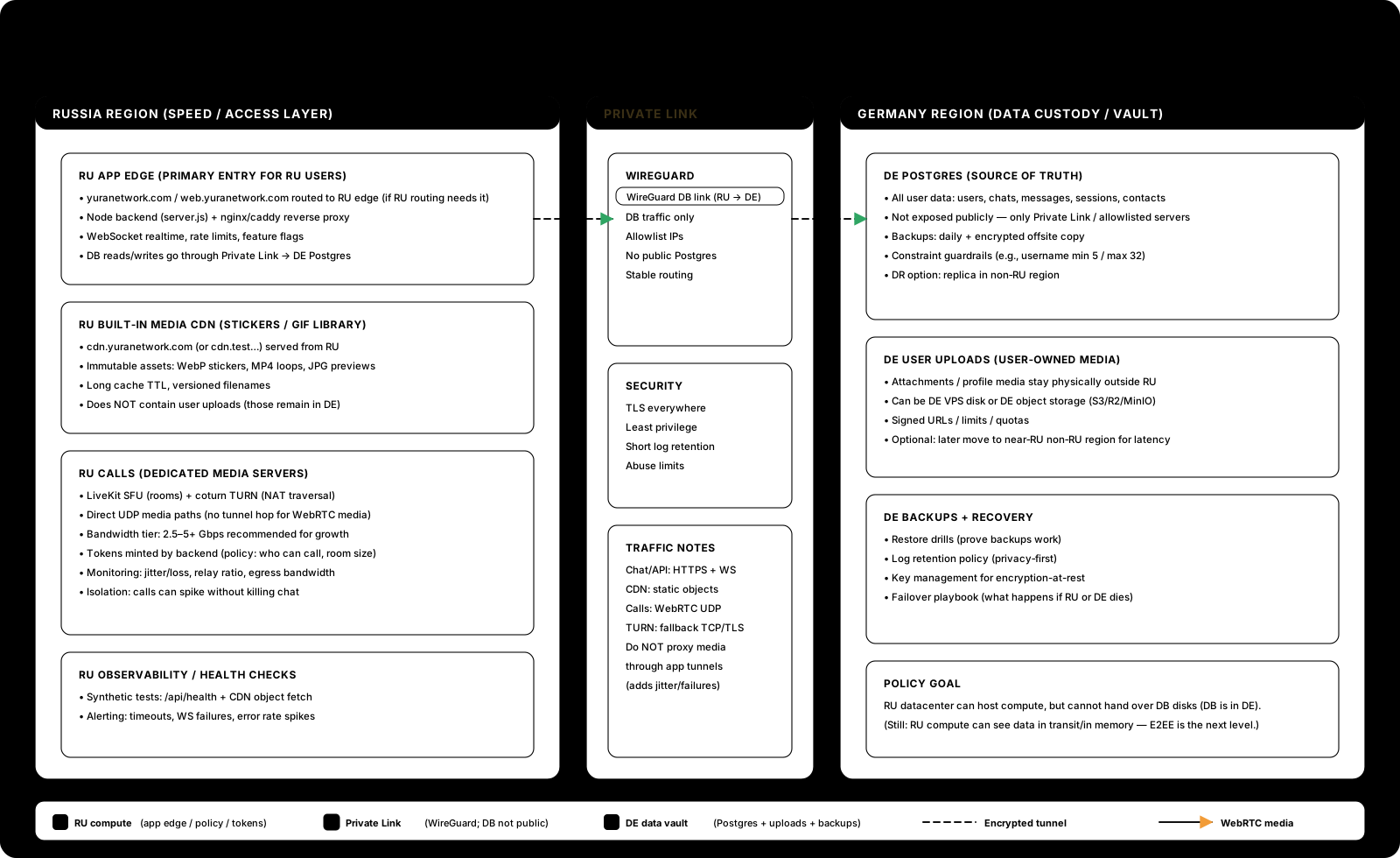
Legend: RU App Edge (API/web) → WireGuard → DE Postgres. RU CDN serves built‑in stickers/GIFs. RU LiveKit+TURN handles audio/video.
Help us squash bugs
Report a bug
Send logs + steps. Reports are stored as files on the server so we don’t lose them.
Want the tunnel system?
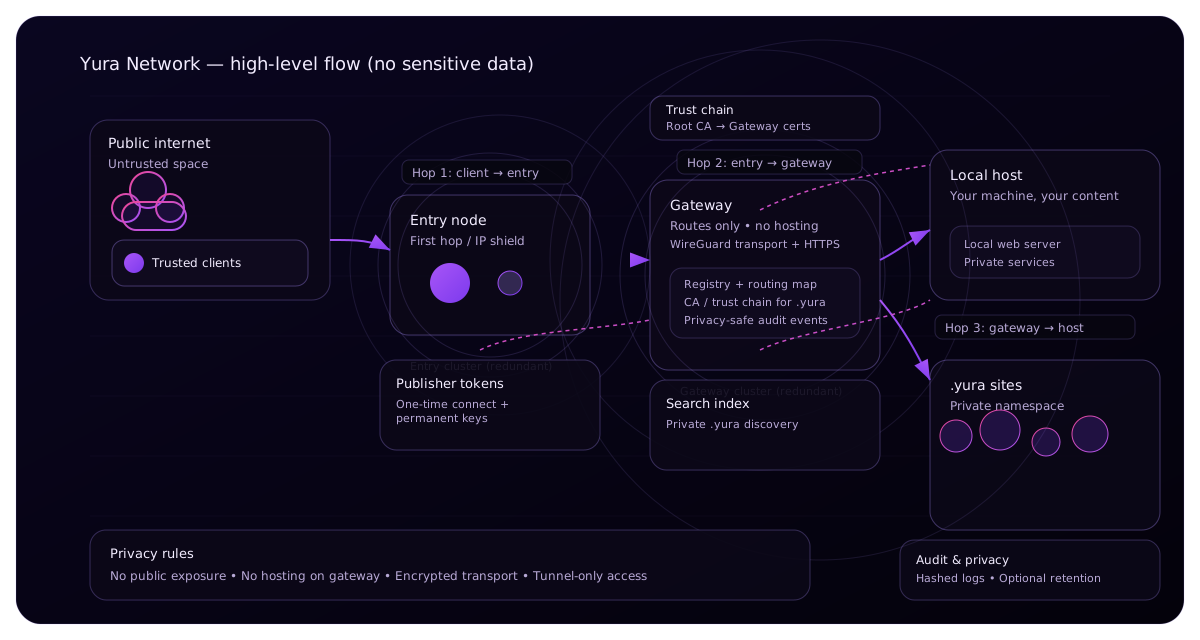
YuraNetwork also includes a private tunnel for .yura websites. Same domain — just toggle.